
Chaster integration (Beta)
Control a TTLock key safe from your Chaster lock. Chaster keeps the timer and the rules; RemoteGuard opens the physical lock over Bluetooth when someone is in range.
First: connect Chaster in RemoteGuard
As the wearer you always start the same way, whichever of the two paths below you use.
-
Install the RemoteGuard app, create an account and pair your TTLock key safe.
-
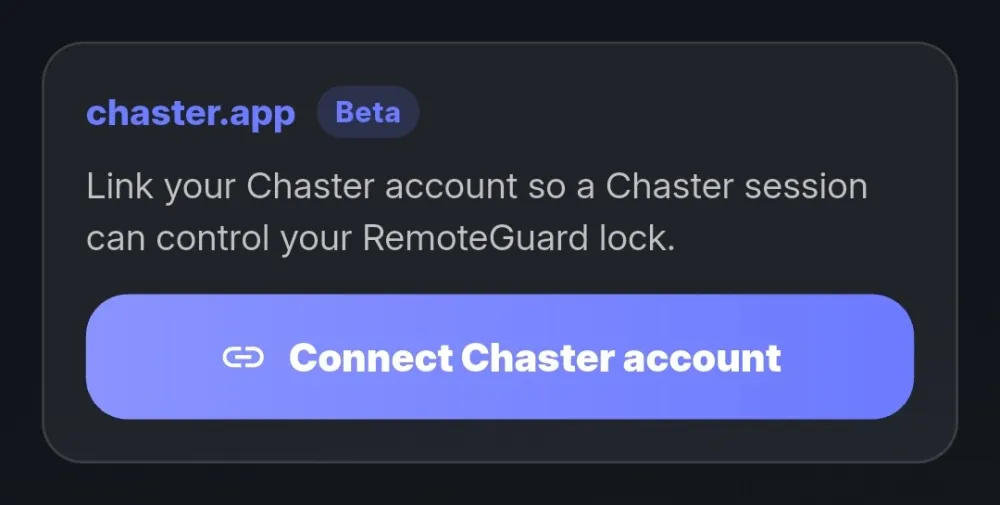
In the app under Profile → chaster.app, connect your Chaster account.
Then: pick one of two ways
It depends on who creates the Chaster lock:
- Join a shared lock – the keyholder creates it, you just join.
- Create your own lock – you create it and can invite a keyholder.
Tap any screenshot to enlarge it.
Join a shared lock
The keyholder creates a shared lock in Chaster (often posted on Explore) and adds the RemoteGuard extension. You just join it – nothing to configure.
-
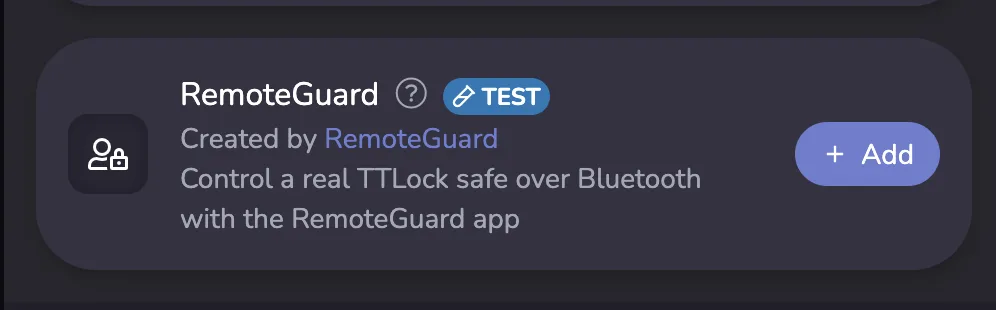
In Chaster, open the keyholder’s shared lock and join it. The RemoteGuard extension is already on it.
-
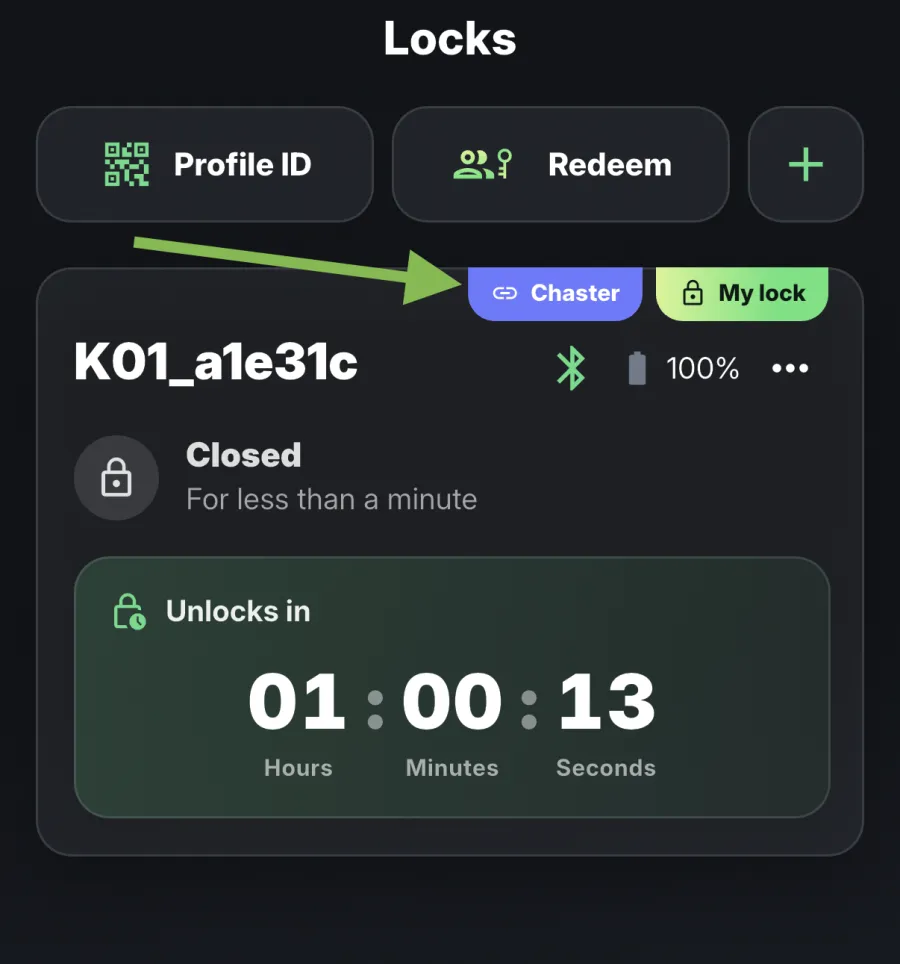
Done: RemoteGuard automatically uses your one free key safe and holds it until Chaster releases the session.
Create your own lock
You create the lock in Chaster yourself. You can invite a keyholder to it, or keep it a solo lock.
-
In Chaster, create a lock and add the RemoteGuard extension.
-
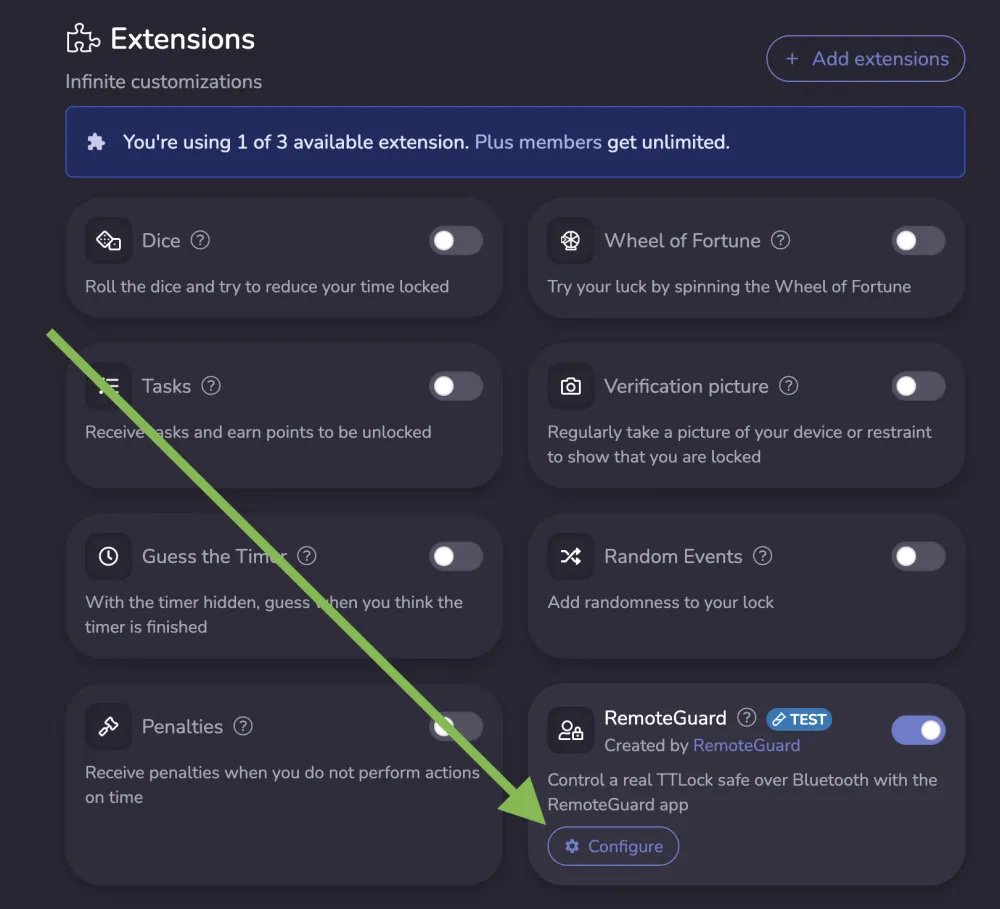
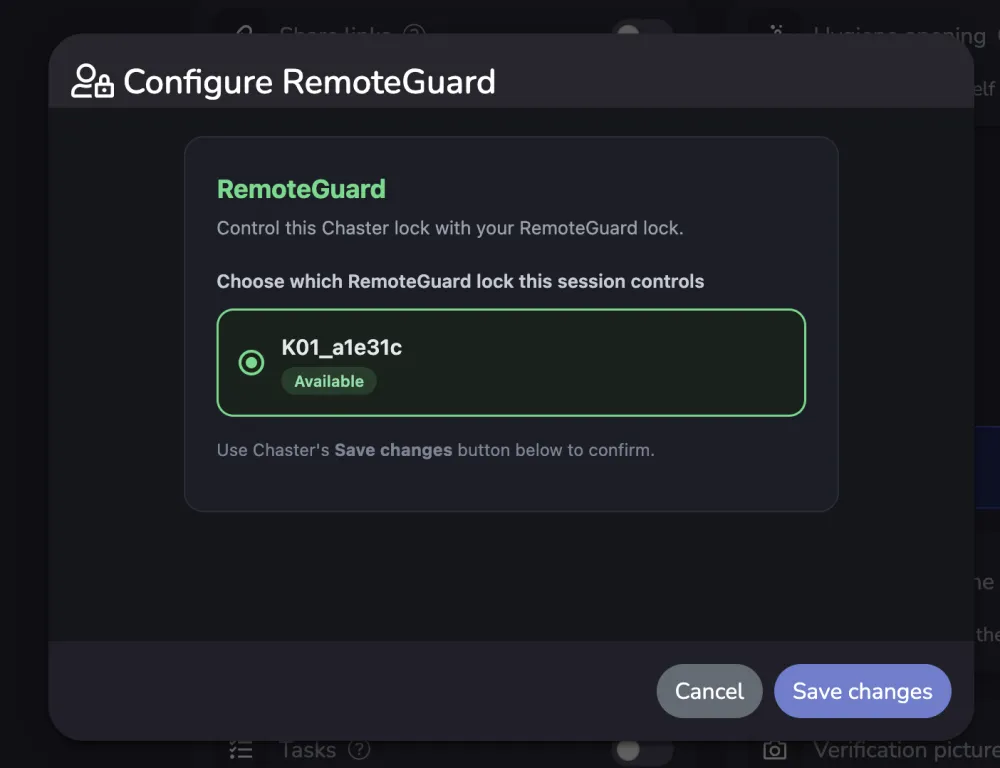
Open the extension and click Configure.
-
A page opens with your RemoteGuard locks – pick your lock and Save changes.
-
When you start the lock, click through the wizard. At Locking method there is no RemoteGuard entry yet, so pick Generated code (a random code you won’t need) and continue.
-
Done: Chaster controls the time, RemoteGuard opens the lock.
Good to know
- Your keyholder never sees or controls your key safe. They manage only the Chaster timer and rules; the physical lock stays tied to your RemoteGuard account.
- A keyholder does not need the RemoteGuard app, as long as they control only one RemoteGuard-linked lock.
- Right now RemoteGuard automatically uses your one free key safe (one not already in use). If you have several paired, a coming feature will let you set a default key safe for Chaster; until then, keep just one free for Chaster.
What works today
- Add and remove time
- Freeze and unfreeze the timer
- Unlock / end of session (the lock is released)
- Unlimited locks (no end date)
- Hygiene / temporary openings
- Keyholding by another person who does not need the RemoteGuard app, as long as they control only one RemoteGuard-linked lock
- Emergency open stays available as a safety valve; your keyholder is notified in Chaster
Free and Pro
The integration is free with one active key handover. RemoteGuard Pro is only needed once more than one delegation runs at the same time (mainly a keyholder controlling several RemoteGuard-linked locks).
Get access
Want to test it? Email [email protected] and we will unlock the Beta for your account.